RootsMagic™ Overview
Although RootsMagic™ is
the easiest to use genealogy software available, it is also one
of the most powerful. You can click any of the links in this brief
overview for a screen shot, or click here to see a list of features
for RootsMagic™.
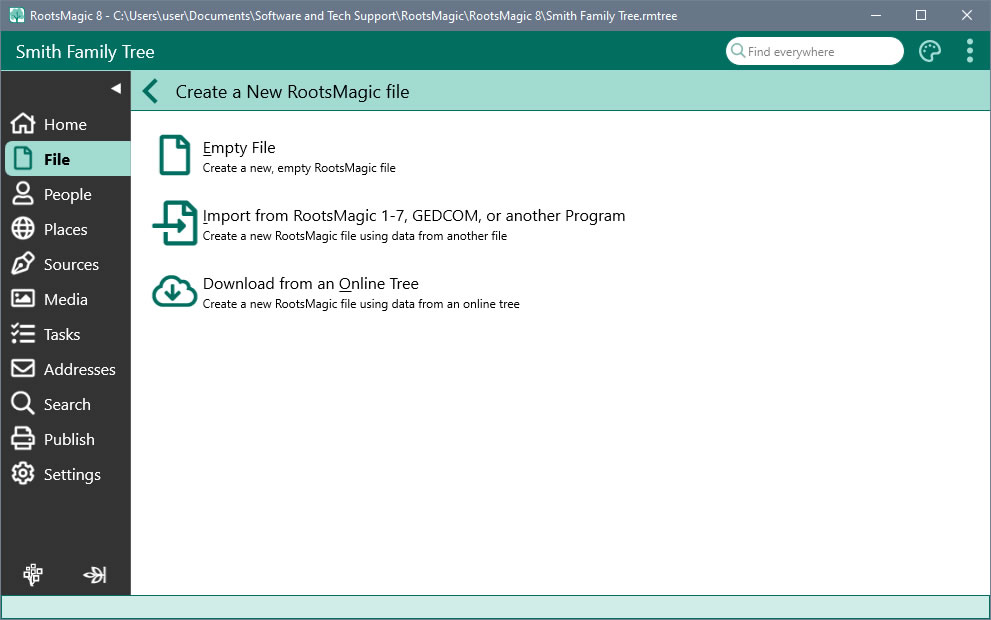
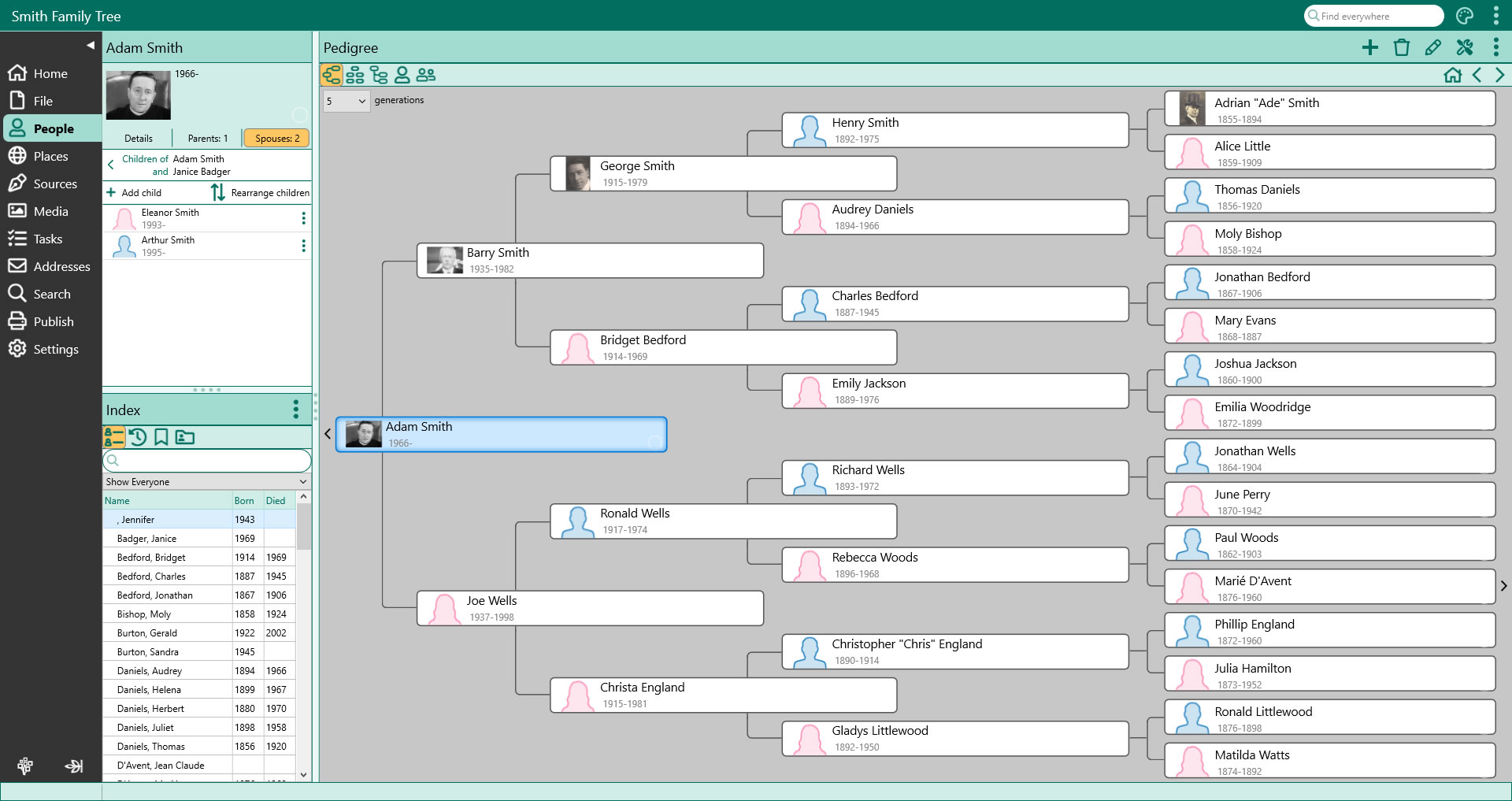
The Main Screen
RootsMagic™ has five
main views, plus a sidebar for easier navigation. You switch between
the views by simply clicking on the tab for the desired view. All
views are fully navigatible using either the mouse or arrow keys.
Double clicking on a person's name brings up the data entry screen
for that person. You can even open multiple databases side by side.
    
RootsMagic™ To-Go
 |
With RootsMagic™
To-Go you can take your database and RootsMagic™ with you wherever
you go.
Running RootsMagic™ direct from your memory stick allows
you to use RootsMagic™ in places where you may not have
been able to before, such as library's and other computers. |
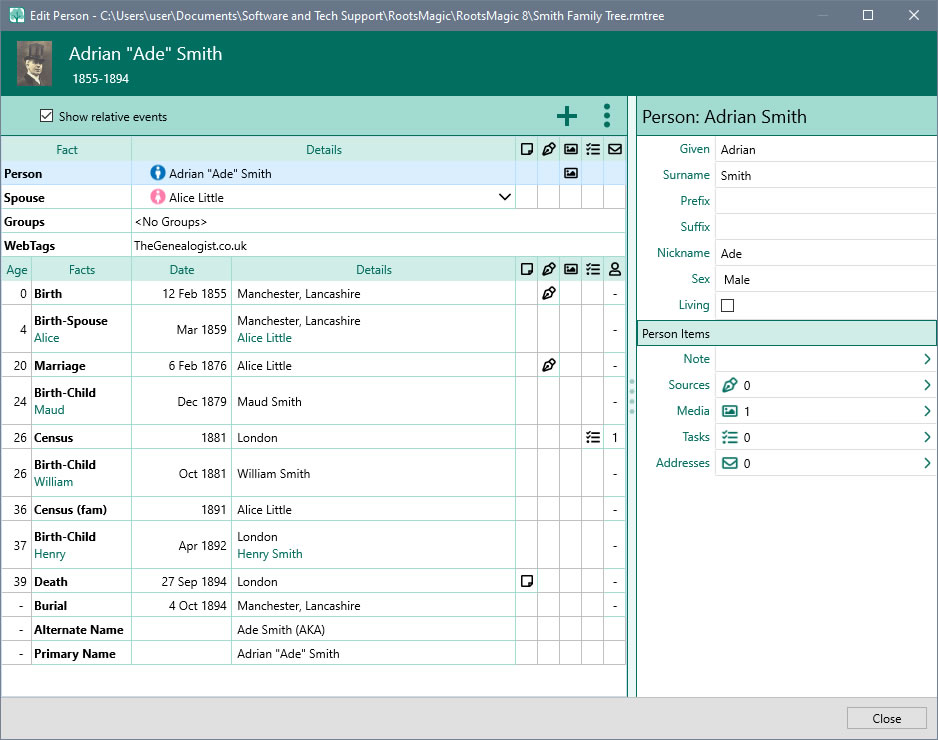
The Edit Screen
 |
The RootsMagic™
edit screen lets you add an unlimited number of facts for every
person (i.e. birth, death, marriage, occupation, religion, description,
etc). If you want to add a fact type that isn't in RootsMagic™'s
predefined list, you can simply create your own fact types.
RootsMagic™ also allows
notes and unlimited source citations for every fact.
Every piece of information on a person is available from
this one screen... name, parent and spouse info, personal
and family facts, DNA test results, alternate names, or LDS
information. You can directly access the notes, sources, media,
and more for every item. |
The RootsMagic™ Explorer
 |
The RootsMagic™
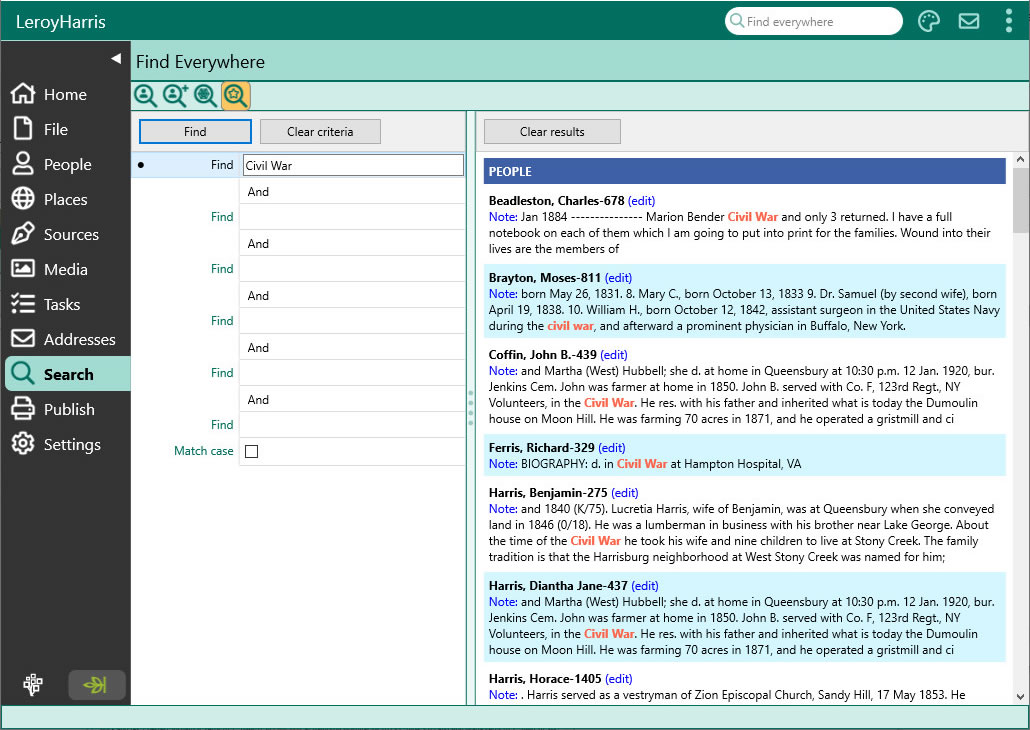
Explorer is the heart of RootsMagic™'s
search system. The Explorer makes it easy to find and edit anyone
in your file. Quickly search by surname or given names, or perform
sophisticated searches easily. Even find women by their married
names. Also you can easily edit any person in the search list
with the click of a single button. |
Sources: Documenting Your Family History
 |
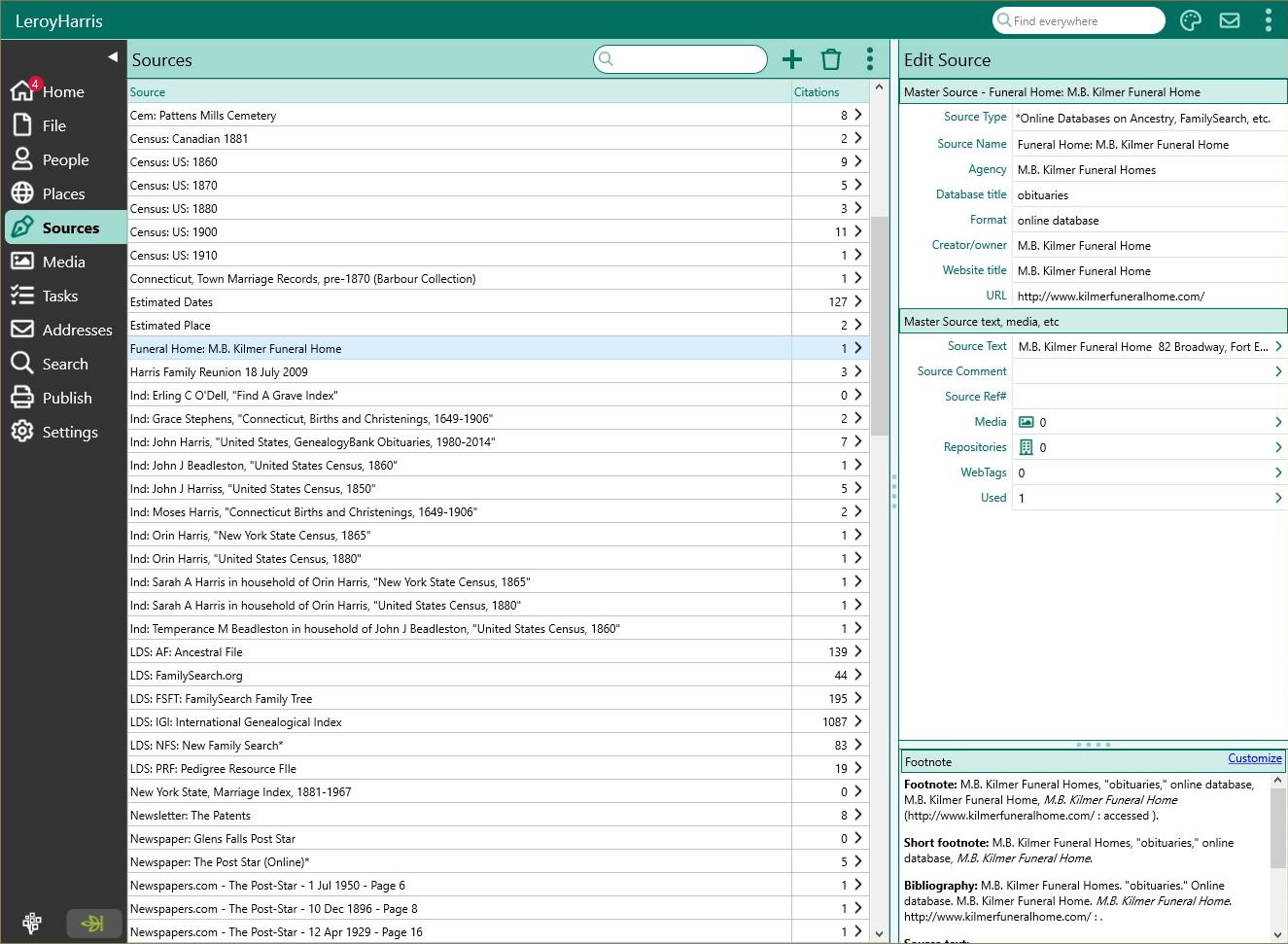
RootsMagic™ provides
a powerful source list which lets you add, edit, delete, and
print the sources of your information. Simply add the source
once, then when you add a fact to a person and want to document
where that information came from, you simply point to the source
in the source list. And best of all, the RootsMagic™
SourceWizard will help you write properly formatted sources
regardless of your expertise. Quickly and easily create sources
as defined by Evidence!, Evidence Explained, or Cite Your
Sources. You can even create your own source types.
|
Printing Reports
 |
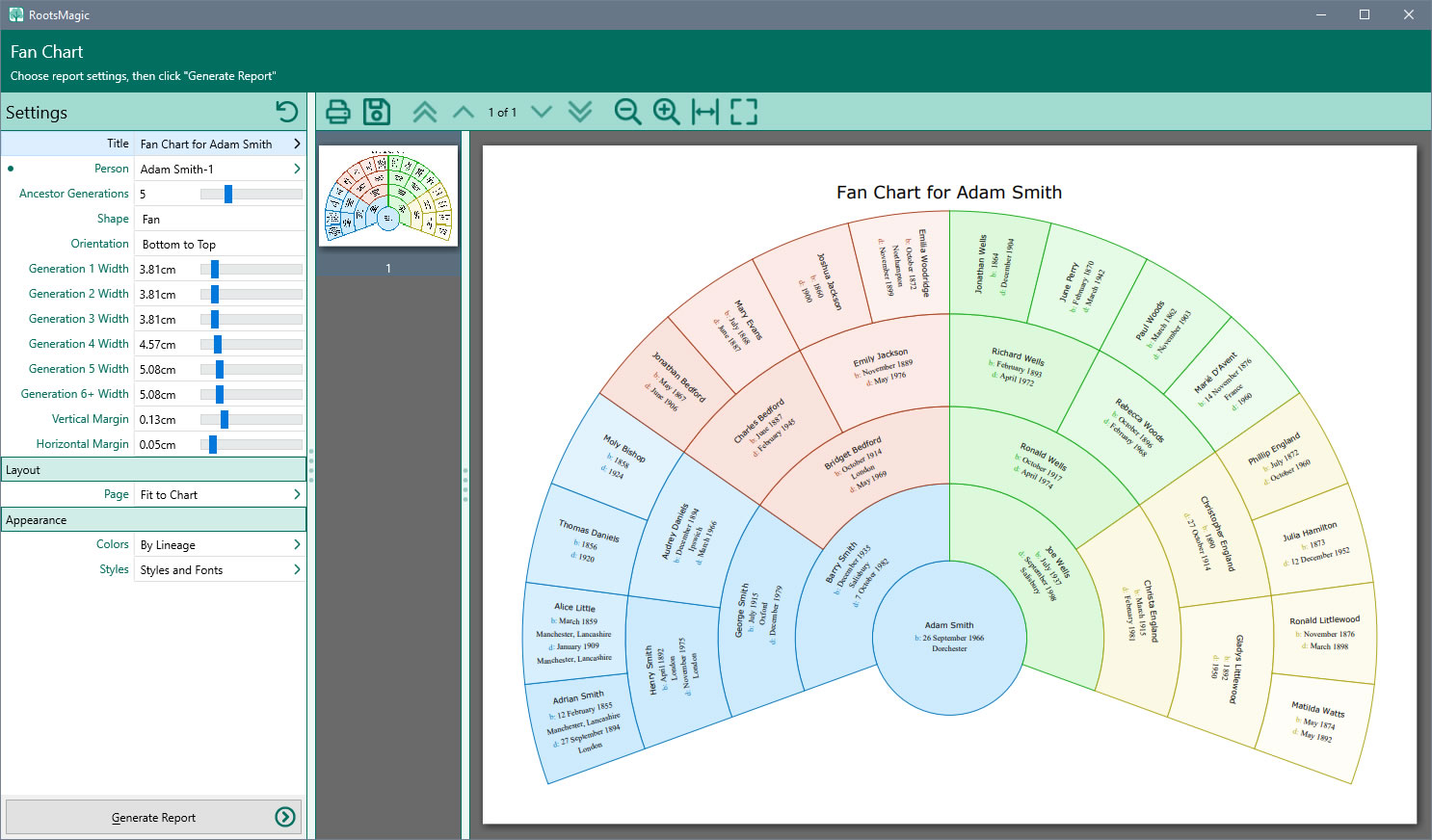
RootsMagic™ offers a large selection
of printouts, all available from a single report dialog. Pedigree
charts, family group sheets, wall charts, 7 styles of narrative
reports (where RootsMagic™ writes the
sentences for you), numerous lists, mailing labels, calendars,
relationship charts, individual summaries, and photo trees.
And if that isn't enough, RootsMagic™
even provides a custom report generator, so you can create
your own specialized lists.
Since we can't possibly show you all the printouts, you can,
however, download a free trial copy
of RootsMagic™ to try them for yourself. |
Publishing Your Family History
 |
Publishing your family history has never been easier. The
RootsMagic™ Publisher lets you combine multiple
reports and charts into a single document, and will automatically
create a table of contents and full index for the book. You
can include photos, notes, sources and other text in your book.
You can even add cover and title pages, copyright page, dedication,
and more.
Send your book directly to your printer, or save it to a
PDF file to burn on to a CD or email to family members. |
Creating Spectacular Wall Charts
 |
RootsMagic™ lets you create beautiful
full colour ancestor, descendant, and hourglass wall charts.
You have full control over the positioning, size, colours, fonts,
and other aspects of every object in the chart. With simple
mouse control you can resize an individual’s box, or drag
it to another location on the canvas without breaking the family
links. You can change colours of individual boxes, or change
the font or colour of the text in the boxes. You can even customize
your chart by adding additional text, pictures, or shapes to
the chart, and you can change the background image or colour. |
Make Shareable CDs™
 |
You've worked hard to collect and organize your family history,
and now RootsMagic™ makes it easy to share that
history with your family and friends. Your Shareable CD™
will feature a custom home page with your own title, photo,
description, and contact information, and will include a read-only
version of RootsMagic™ to show off your data
and multimedia items. |
Merging Duplicate Records
 |
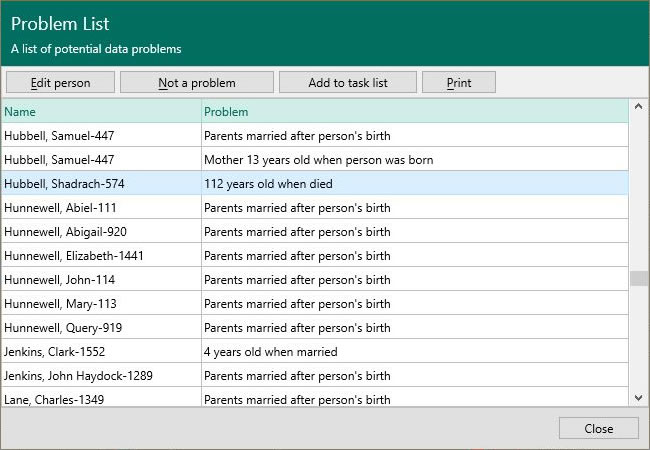
RootsMagic™
provides the most powerful and easy-to-use merge capabilities
available. RootsMagic™
will automatically look for duplicate individuals and
display them in a list with the most likely matches listed first.
Simply click a button to merge the duplicate pair, or mark them
as 'not a match' so that they won't show up in any future merge
sessions. Plus, RootsMagic™
features SmartMerge technology to let you quickly merge
all those 'for certain' duplicates. |
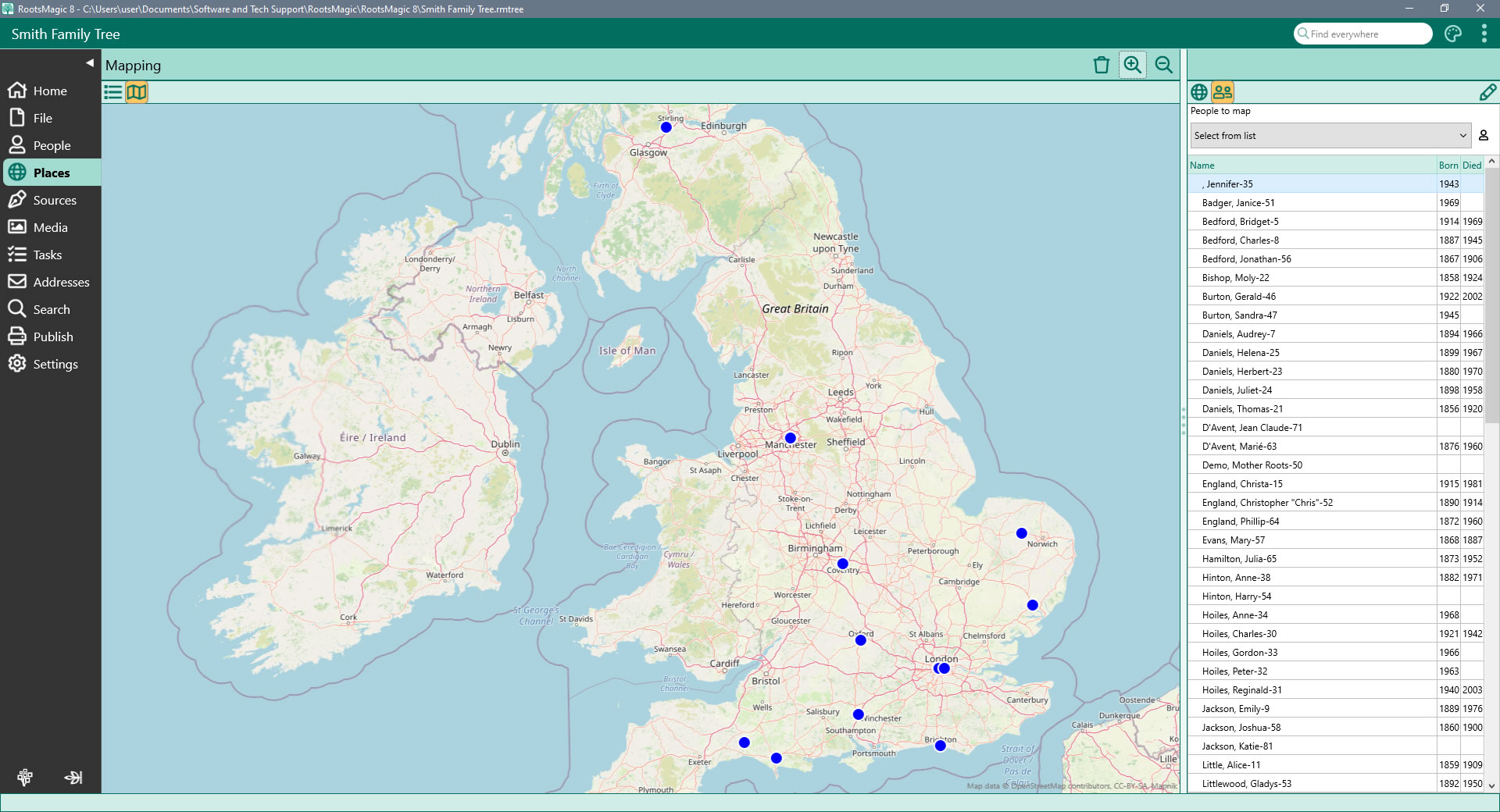
Map Your Family
 |
RootsMagic™ 4 now lets you view your family
on a map. Simply select a family member from the list and RootsMagic™
will display the map (anywhere in the world), with pins where
that person's events (birth, marriage, death, burial, etc) occurred. |
Website Generator
RootsMagic™ can generate
professional looking websites automatically from your data, in narrative
format, pedigree chart format, family group sheet format, or a combination
pedigree / family group sheet format. You can now also customise
your site with CSS. |
SEE ALSO... |
 |
|
|
 |
|